A canvas with breathing room.
What if a design tool gave your art the whole stage? Controls appear when you need them and step aside when you don’t. Stay with the idea.
 ascente.
A CREATIVE PLAYGROUND BY ABDUZEEDO
Digital art, playful effects, and happy accidents. Right in your browser.
More canvas. More room to play.
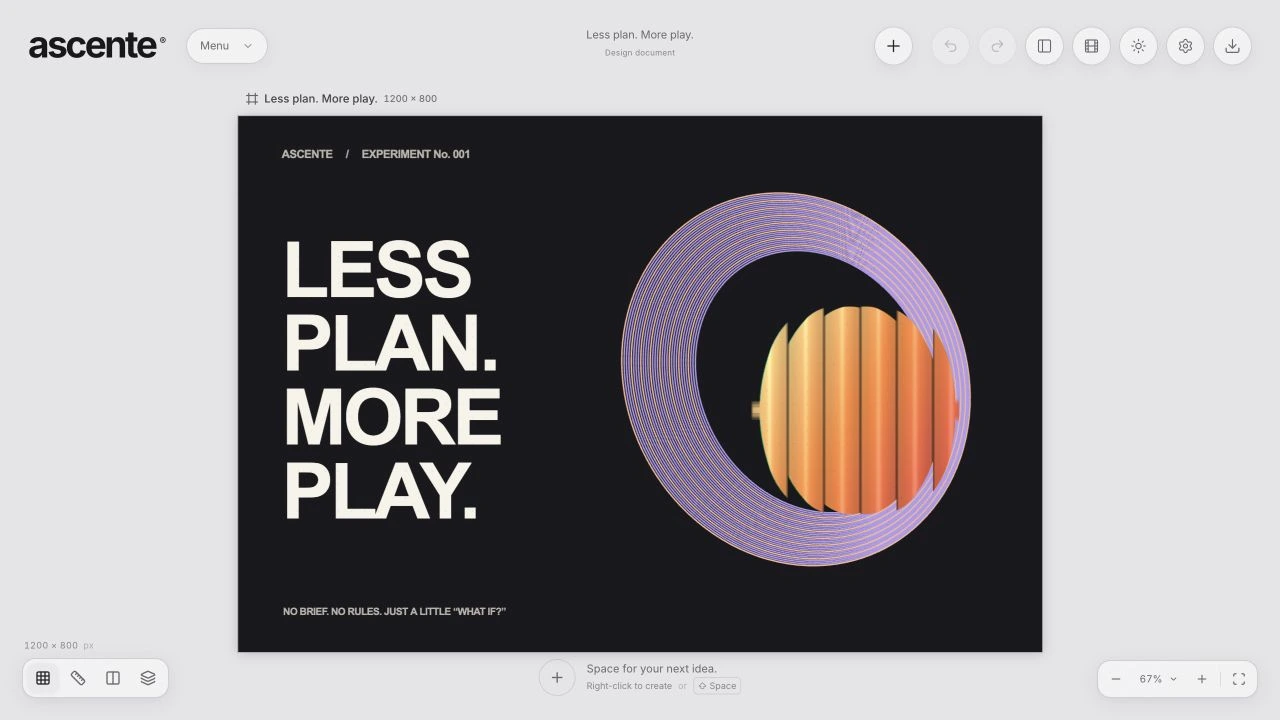
Your art takes the stage. The tools are there when you need them.
01 / FOLLOW YOUR CURIOSITY
What if a design tool gave your art the whole stage? Controls appear when you need them and step aside when you don’t. Stay with the idea.
Make it drift, spin, or come to life. Explore animation without having to call yourself a motion designer. Curiosity is enough to get started.
Dip into graphic libraries full of shapes, marks, and little sparks. Mix them with your own type, vectors, and images. Find a direction you didn’t plan.
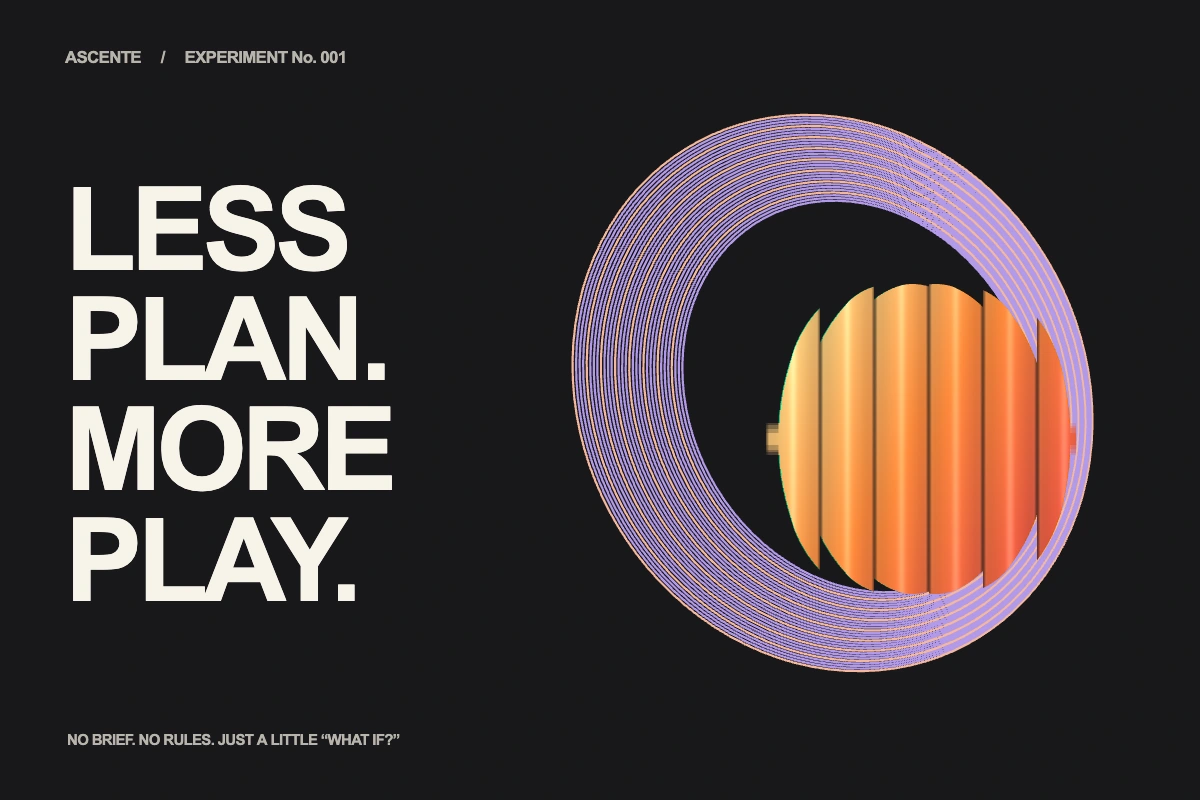
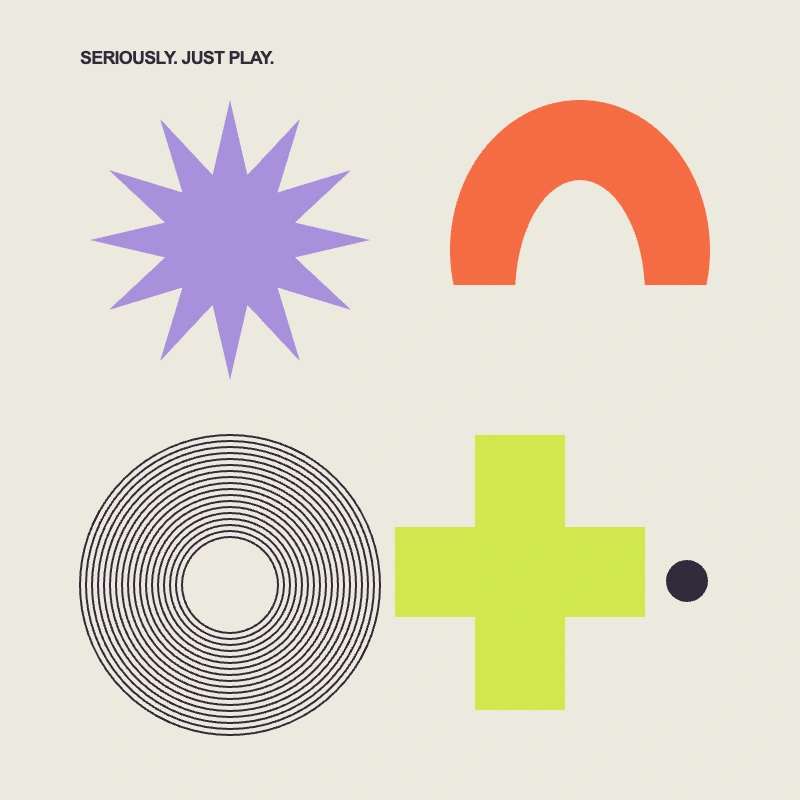
Made with ascente’s own type, vectors, and shaders. Remix the poster ↗ Remix the shapes ↗
02 / A LITTLE NOSTALGIA. A NEW EXPERIMENT.
Remember the early days of Abduzeedo? Glowing experiments, impossible textures, and one more tutorial before bed. That spirit lives here, with shaders that turn a small tweak into a whole new direction.
 RENDERED IN ASCENTE
A FEW STARTING POINTS
A familiar shape, an unfamiliar surface. Turn it to chrome, bend the reflections, and chase that early digital-art feeling.
Bend the light. Push the color. Stack a few effects. The whole idea is to experiment.
03 / YOUR KIND OF CREATIVE FREEDOM
Start without a brief. Try the wrong color. Follow a strange idea. You don’t need a finished picture in your head to make something worth keeping.
Built to welcome LLMs into the process. Connect an AI assistant to explore alongside you, build from your direction, or try an idea of its own. You decide how much of the making to share.
Create locally and save your editable projects as your own files. Connect storage or an AI assistant when you choose. You’re in charge of where your work goes.
A quick experiment on your phone. A longer session on your tablet or desktop. A responsive workspace and GPU-powered effects keep the canvas close wherever inspiration finds you.
04 / THE TOOLS BEHIND THE PLAY
Your canvas comes first. Bring controls into view when you need them. Give your art the rest of the space.
Vectors with room to move. Draw paths, shape curves, and fine-tune points. Make a small mark or a whole visual world.
Effects worth getting lost in. Glass, liquid metal, grain, and color. Stack live shaders and see where one more tweak takes you.
Motion for the motion-curious. Explore keyframes, easing, and a timeline. Give your ideas a pulse, one move at a time.
Type with a playful streak. Set it, bend it along a path, and mix fills. Let the words become part of the artwork.
A library of little sparks. Start with ready-made graphics, then pull them apart, recolor them, and make them yours.
A canvas your AI can join. Connect a compatible assistant through the agent API or MCP. Collaborate or hand over a turn.
Your files, in your hands. Edit locally. Save an editable project to your device. Choose when to connect outside services.
Ideas travel light. Make something on your phone, tablet, or desktop. Export PNG, JPEG, WebP, SVG, and more.
A FEW PRACTICAL THINGS
ascente is a creative playground by Abduzeedo. Bring vectors, type, images, shaders, and motion together on a canvas that puts your art first. It’s a place to experiment, follow your curiosity, and enjoy making digital art again.
Just open a modern browser with WebGL support. The workspace adapts to phones, tablets, and desktops. Larger canvases and heavier effects will run best on more capable devices.
Yes. ascente supports common image formats, SVG, Figma .fig files, Sketch files, and design Markdown. PDF-compatible Illustrator files are imported as flattened pages; EPS import supports a subset of vector paths. Complex files can lose features that do not have an equivalent in ascente.
Save an .ascent project from the app menu to keep an editable copy of your work. Export an image or SVG when you want to use the finished design elsewhere.
Yes. ascente includes an agent API and an MCP bridge so compatible assistants can inspect and edit your canvas. Connecting an assistant takes setup; you choose the provider and what to share with it.
Editing happens in your browser, and you can save projects to your device. Cloud storage, remote imports, and connected AI assistants use the services you choose. This landing page uses no cookies or analytics. The editor can load external fonts and an ad in its menu, so those services may receive connection data.
You can import supported Lightroom XMP develop settings in Dark Room. ascente translates the adjustments it supports; RAW processing, camera profiles, and local Lightroom masks are not part of that import.
ascente is an Abduzeedo project. A place to experiment with the tools, textures, and visual ideas that keep design interesting. Explore more at abduzeedo.com.
No grand plan required. Just a little “what if?”
Open ascente OPEN A CANVAS. FOLLOW YOUR CURIOSITY.